Note: These screens are UI concepts for intuitive navigation and seamless interaction.
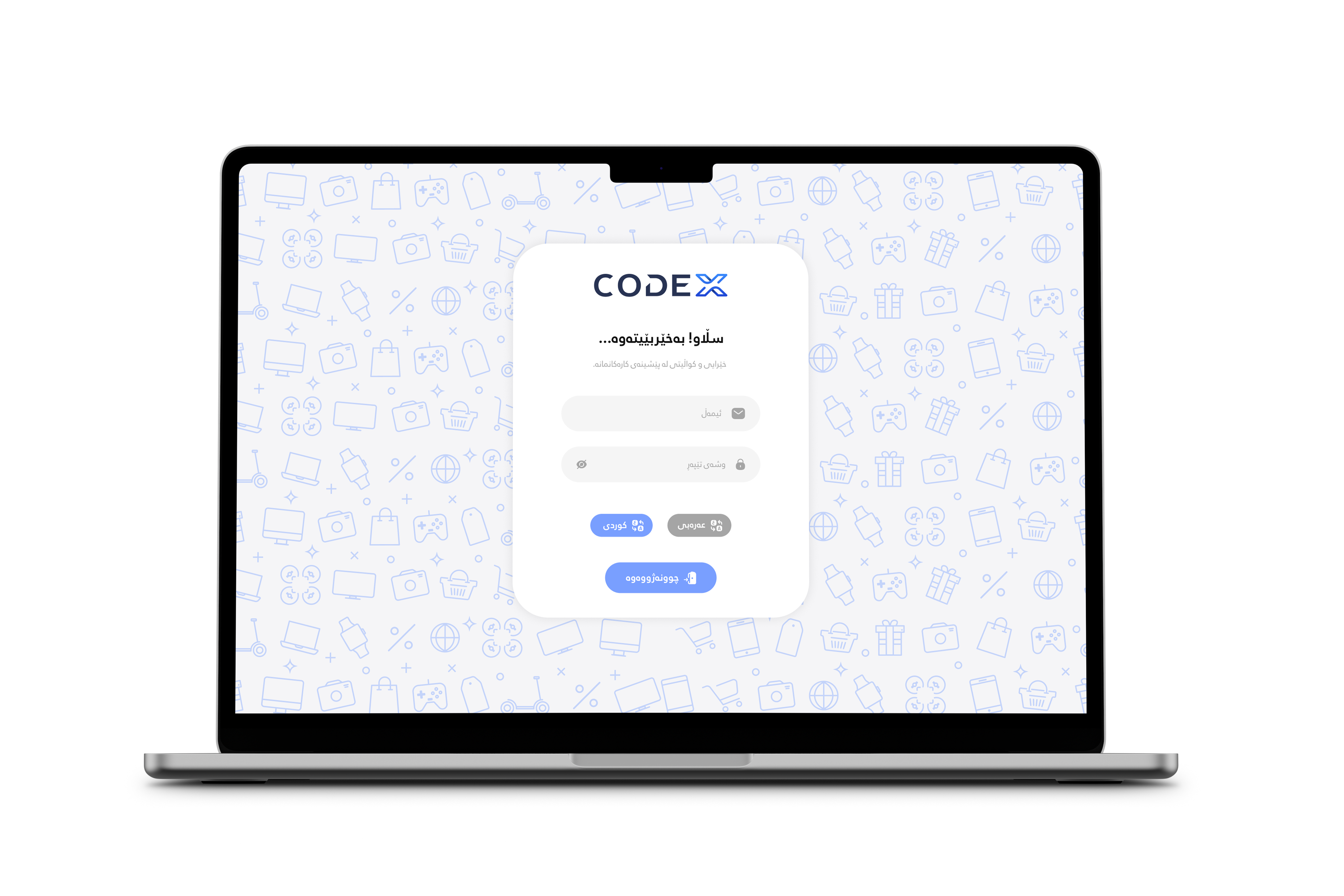
Light ModeAuthentication
Light ModeHome
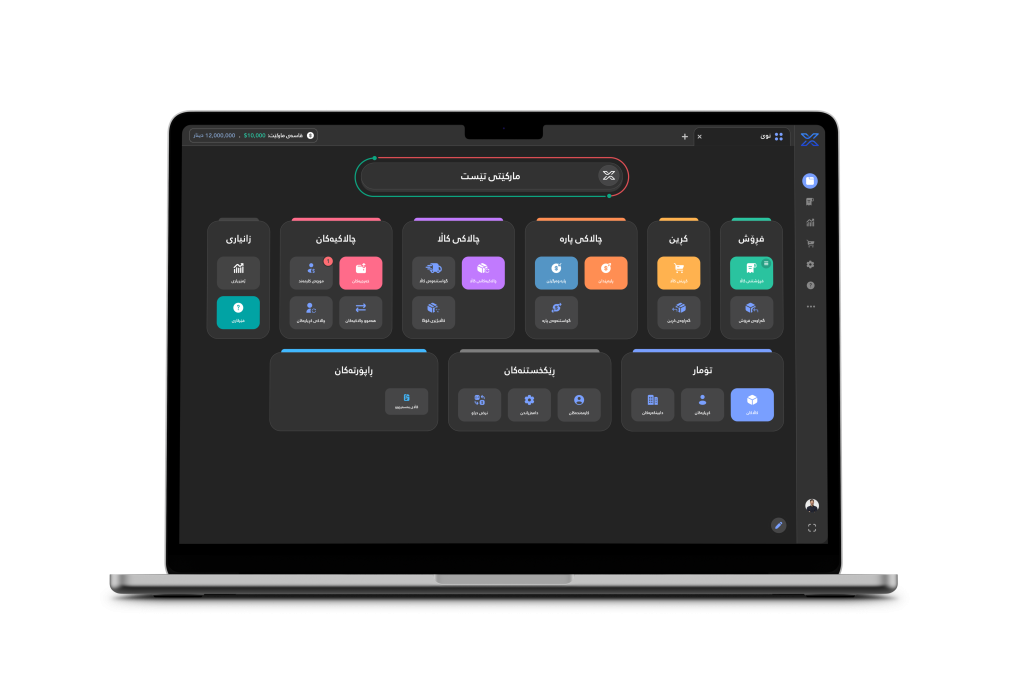
The Home page serves as the central hub, allowing you to navigate to all other pages within the system for easy access and seamless exploration.
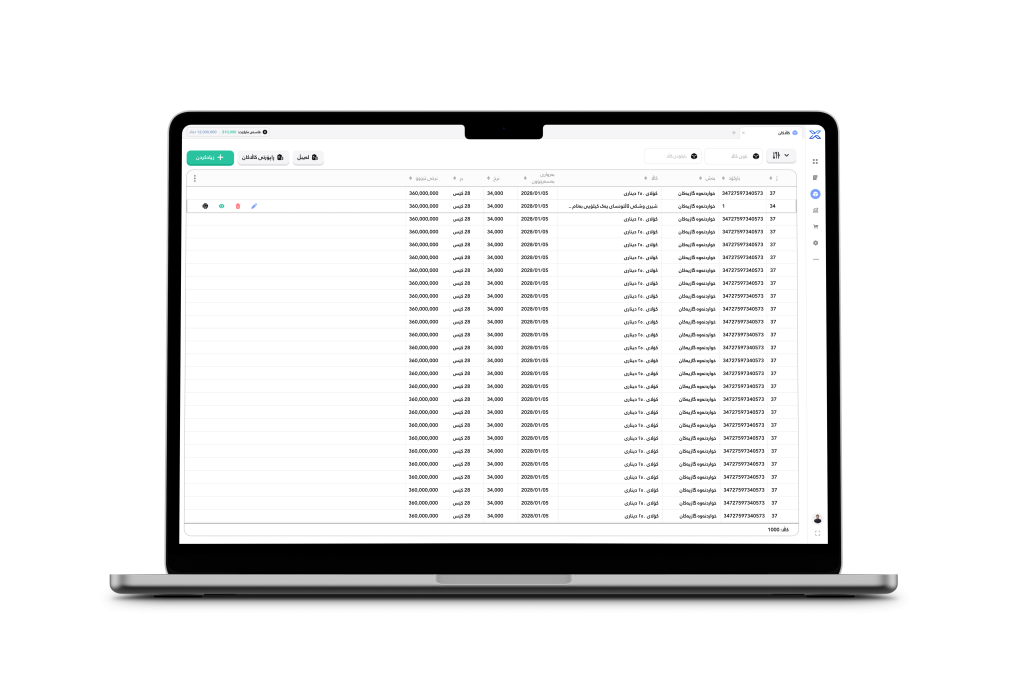
Light ModeItems
The Items page contains all the items you’ve defined within the system, offering a centralized view for easy management and access.
Light ModeSale receipts
The Sale Receipts page displays all transaction records, providing a detailed overview of sales, payments, and receipts for easy tracking and management.
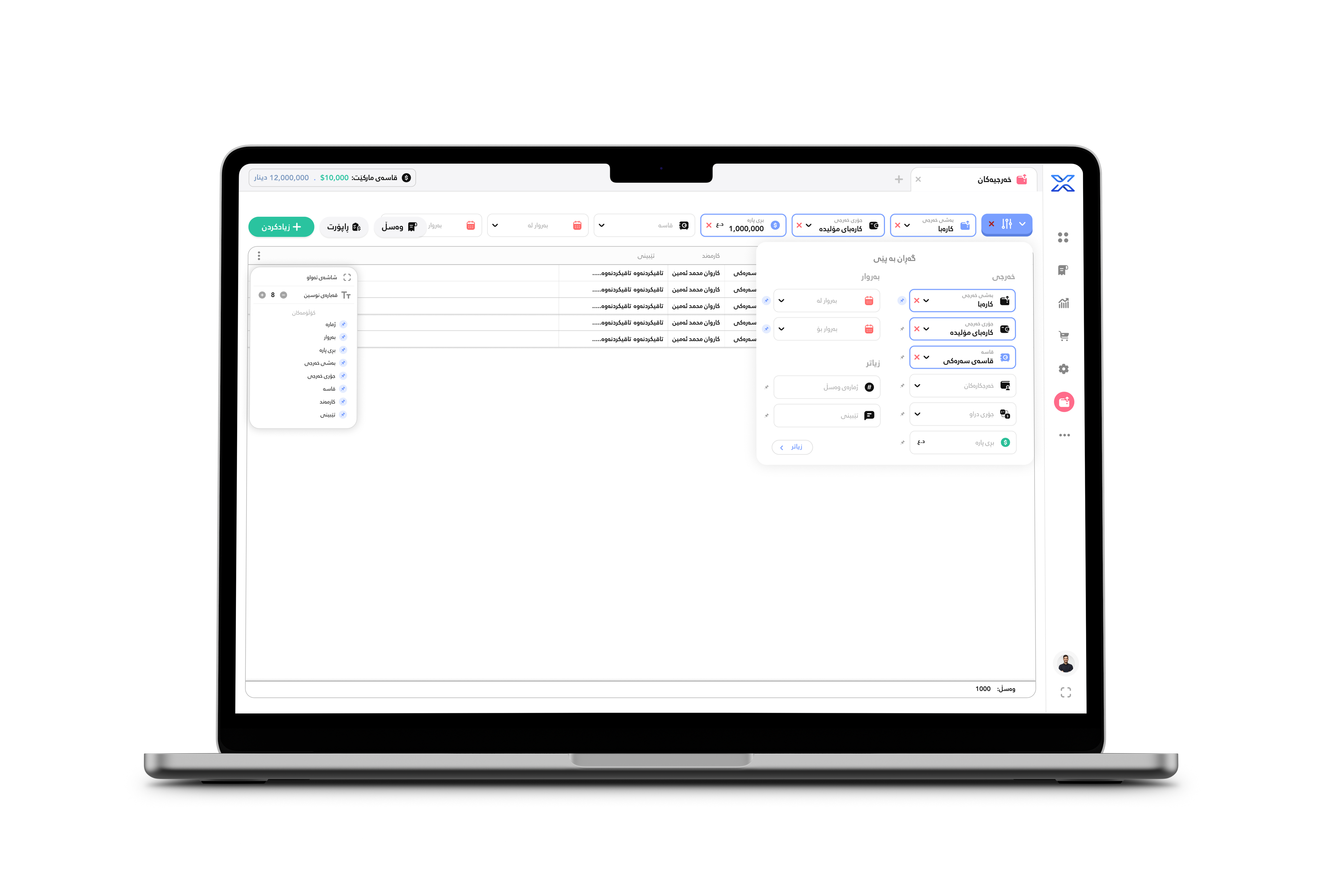
Light ModeFilters
Filter options allow you to sort and refine data (e.g., by date, status, category) for a more focused and efficient view of information.
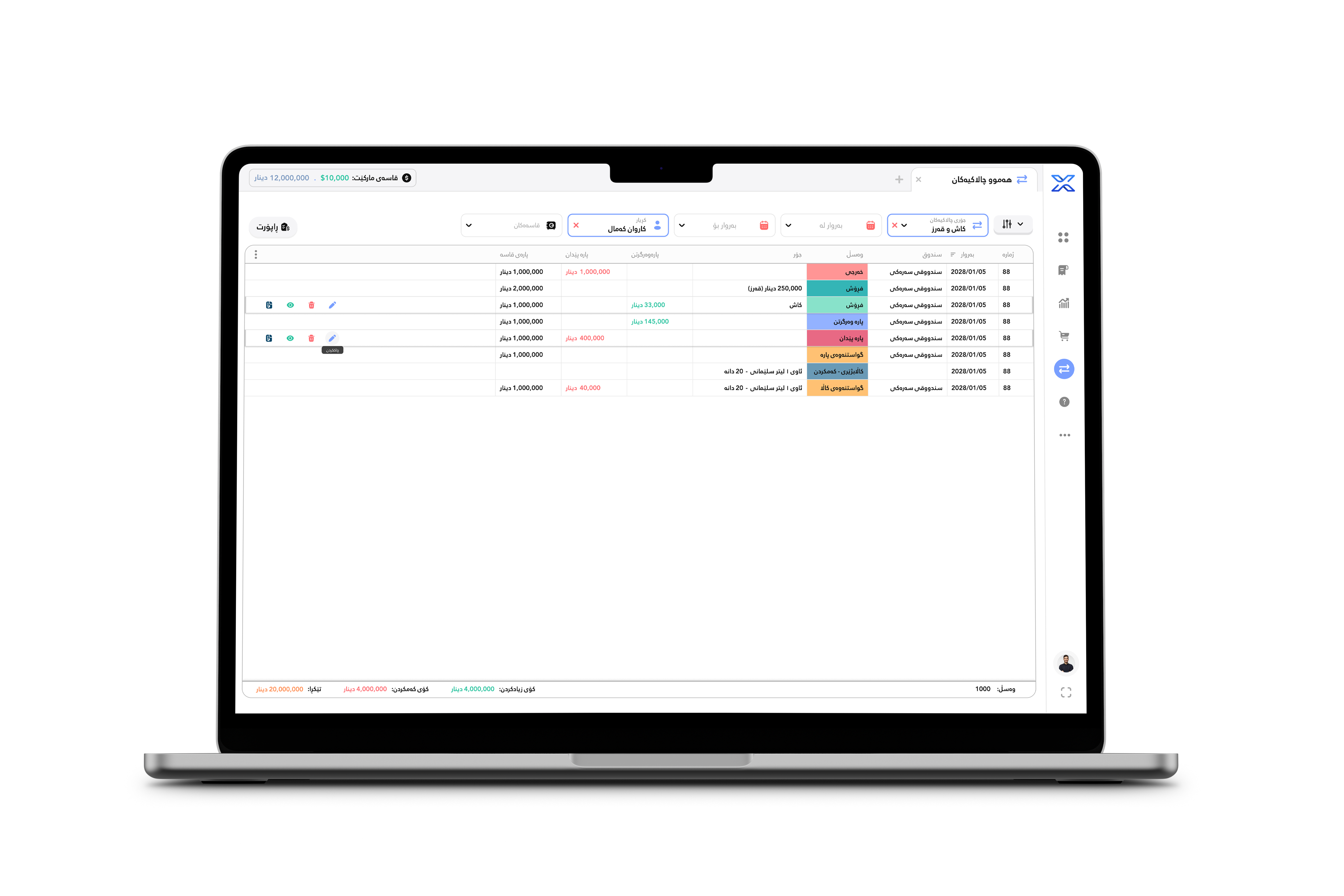
Light ModeAll Activities
The All Activities page contains a comprehensive log of all receipts and actions across every page within the System, providing a complete overview of system activity.
Light ModeSale
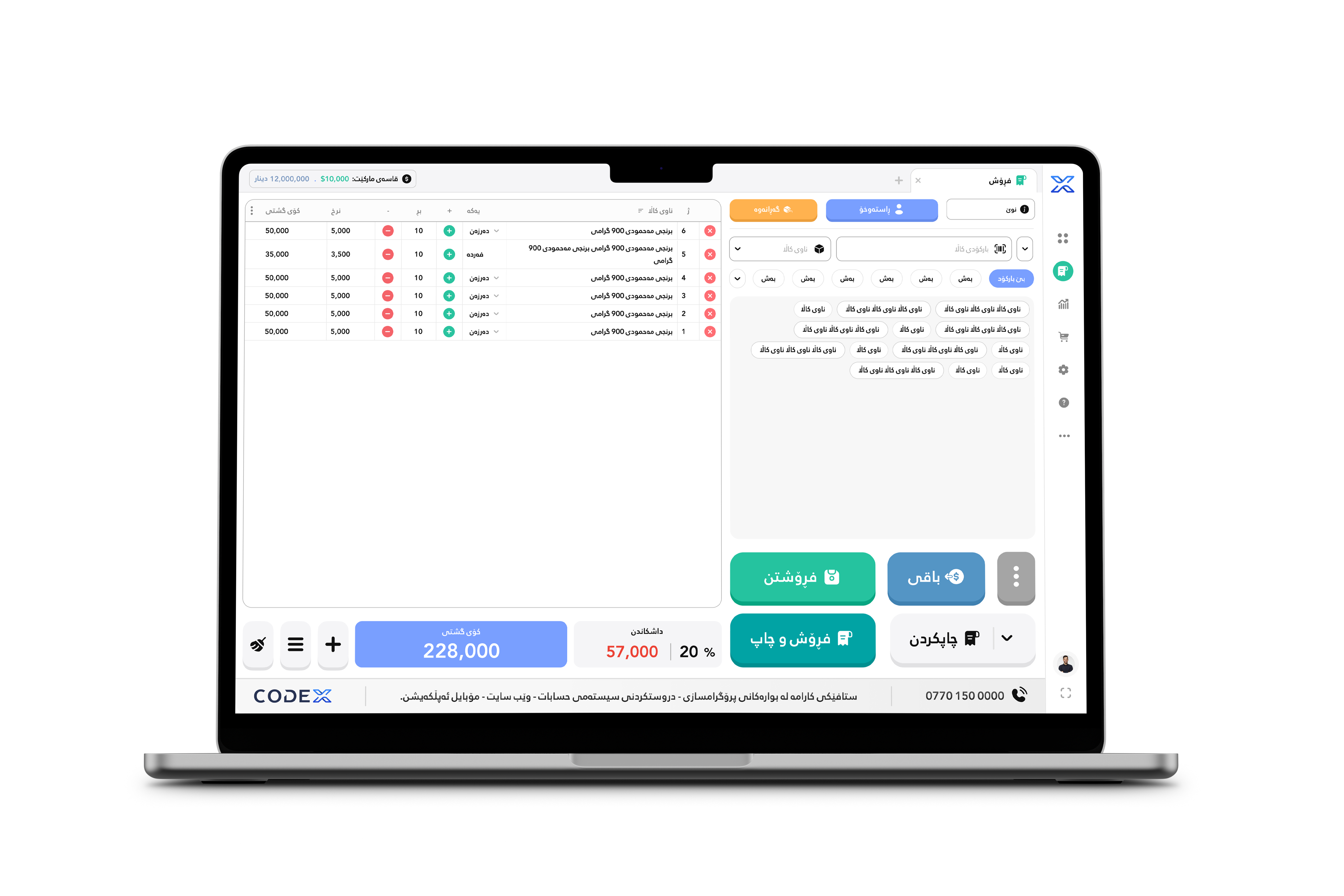
The Sale page allows you to sell items directly, providing a streamlined interface for creating transactions and managing sales efficiently.
Light ModePurchase
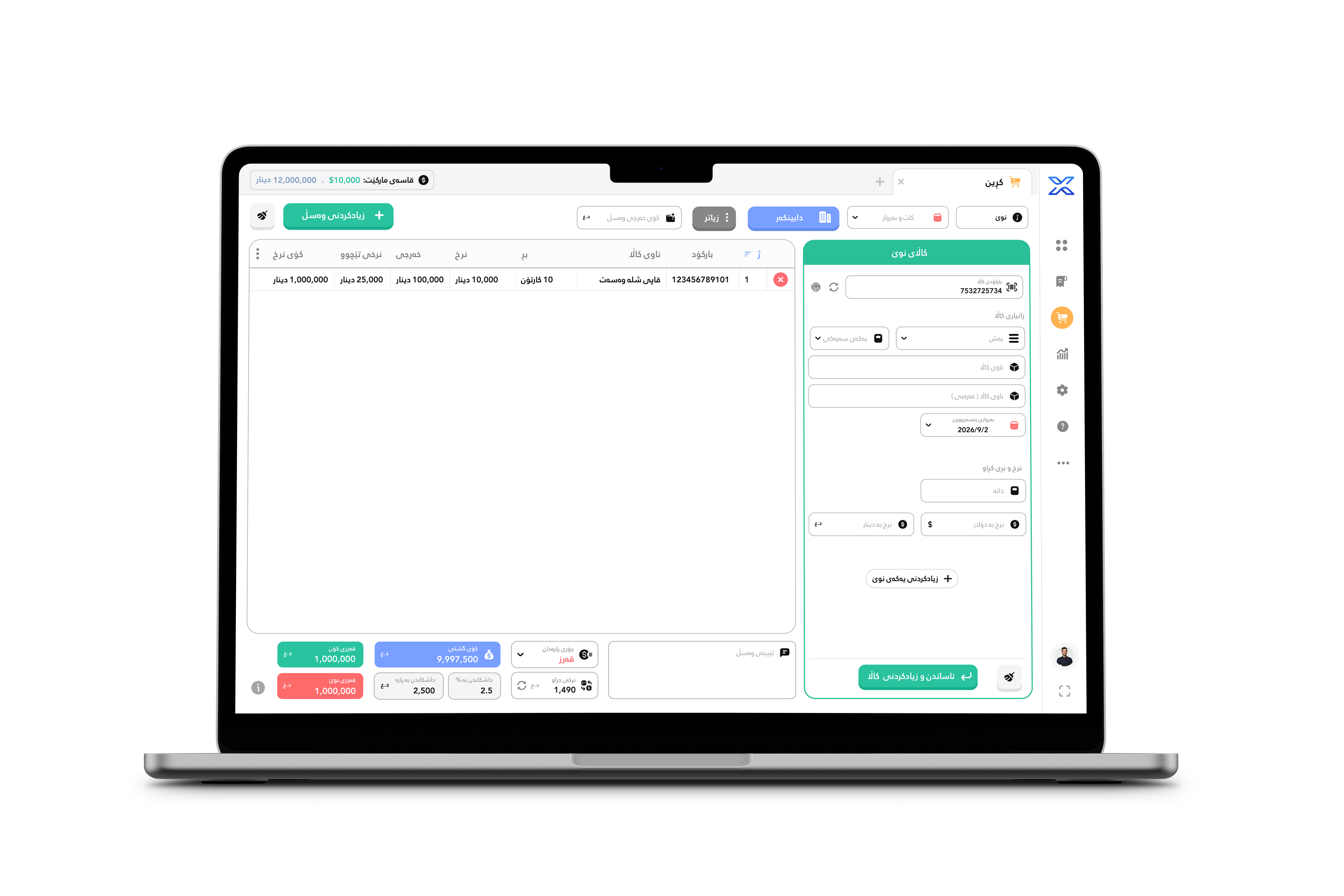
The Purchase page is where you can buy items, offering a user-friendly interface to manage and complete procurement transactions seamlessly.
Light ModeAccounting
The Accounting page contains everything related to profits, expenses, and financial transactions, providing a complete overview of your financial activities and performance.
Light ModeInputs
Inputs UI refers to the user interface elements designed for data entry, such as text fields, dropdowns, checkboxes, and buttons, all crafted to be very comfortable and relaxing for seamless user interaction.
Dark ModeHome
Dark ModeItems
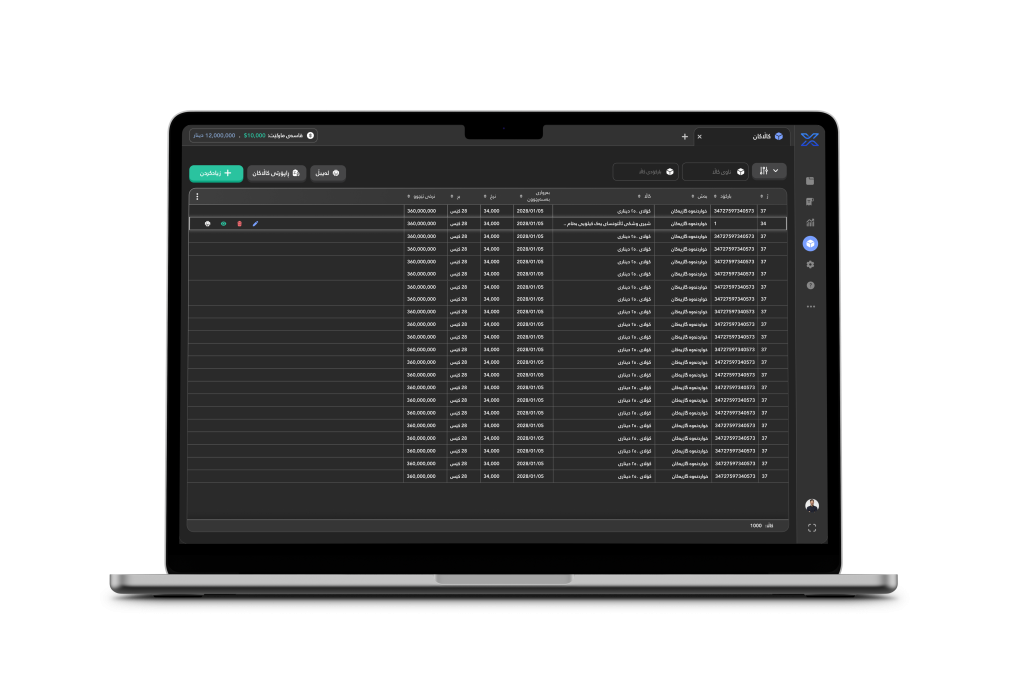
The Items page contains all the items you’ve defined within the system, offering a centralized view for easy management and access.